

Digital Collage: Creating Backgrounds
How I simplify my process during busy periods.

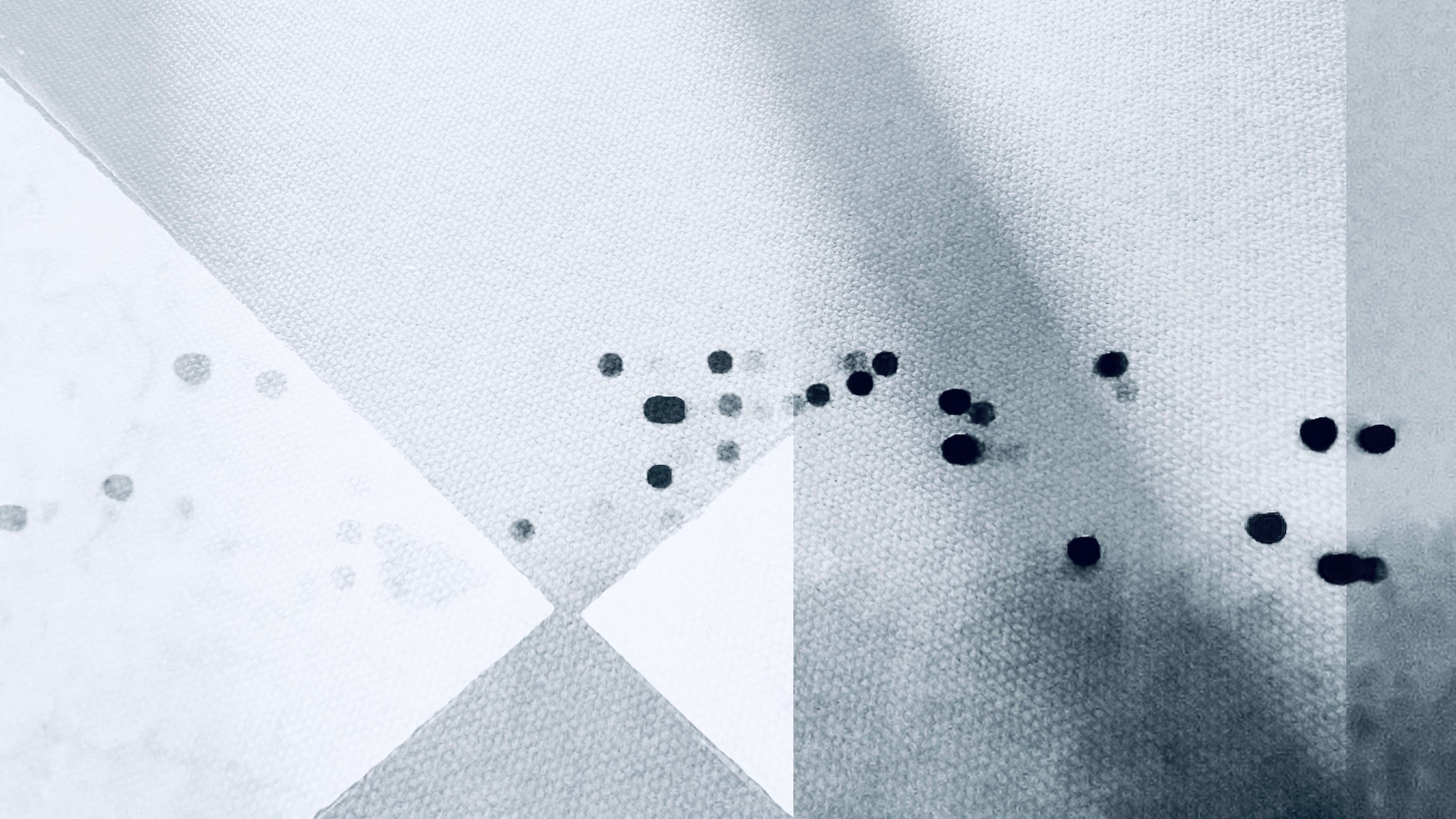
I’ve been working in digital collage for about 10 years now and one thing that I have consistently done that makes my work easier, is pre-build a lot of backgrounds. When life gets busy, it’s nice to have a pile of backgrounds that are already completed that I can pull from to start a new composition.
All of the backgrounds in this post I made today while doing laundry1. I will make backgrounds anytime that I’m waiting for something. I make them while standing in line at the grocery store, in the doctor’s office waiting room, waiting to board a flight, etc.. Instead of scrolling, this is often what I do instead.


Generally, the process for building them looks like this:
Find a high quality mostly solid color image to use as the base layer.
Add another 1-2 images for texture2 & framing, bonus if an image does both.
Adjust whites, blacks & colors to my preferred style.
Save in my M: BACKGROUNDS folder.3
That’s it.


Most of the time if I’m starting a new composition, I just build the background then. But I like having extra backgrounds pre-built for days that I know it’s going to be hard to find time to fit in collage work.
Sometimes I have a concept or subject in mind and look through my backgrounds to help solidify the idea and sometimes the backgrounds give me the idea for a concept.
I’ve had someone tell me it’s ‘cheating’ to do it this way but that’s a load of crap. It’s still my work, it just doesn’t always happen all at the same time. It’s no different than a painter taking days to complete a painting.


I’m about to start a large new project in black & white, so my aim right now is to build a big collection of backgrounds to work from.
If you follow my work at all, you’re bound to see some of these in the future.


If you find you’re often strapped for time (or ideas!), I encourage you to try working this way to see if it can help. Many of my digital collages take 2-4 hours to build and while the background is the easiest, quickest part, it’s still helpful to have optional entry points already built.
Happy collaging!
As always, if you want to see the full image, you’ll have to click through. Substack still doesn’t allow formatting for different sized images.
I talk more about collecting materials for textures here:

I share more about how I keep all of my digital source materials organized on my phone here:

I love it, Andrea! I like having a collection that’s handy and accessible too. Good tips here too. Looking forward to seeing the black and white series you’ll be working on
…your work rules, and thank you for liking a photo to let me know that…